There’s a point every IT professional reaches where the home network becomes an embarrassment. You spend your days designing resilient, segmented, secure infrastructure for clients or employers, then you come home to a single flat network where your smart bulbs live alongside your workstation, your NAS, and your Hi-Fi system. Everything on the same broadcast domain. No segmentation. No visibility. Just trust and hope.
That was my situation. This is the story of how I fixed it.
The Problem With “Good Enough”
My previous setup was functional. Internet came in, devices connected, things worked. But as a cybersecurity professional, I knew exactly how much was wrong with it. IoT devices with unknown firmware sharing a network with production machines. No guest isolation. No traffic visibility. A consumer router doing its best but fundamentally unable to provide the kind of control I wanted.
The specific triggers that pushed me to rebuild:
- IoT proliferation — smart cameras, smart bulbs, and IR controllers had accumulated over the years. These devices have notoriously poor security hygiene. They didn’t belong anywhere near my workstations.
- Hi-Fi audio — I run a dedicated audio setup with a Roon music server and a high-end network streamer. I wanted that traffic isolated from general network noise, with controlled access from specific devices only.
- Guest access — having visitors connect to the same network as everything else was not acceptable.
- No management plane — I had no dedicated out-of-band management network, meaning any compromise of a user device could potentially reach network infrastructure.
The Architecture Decision
I decided on a VLAN-based segmentation model with five distinct network zones:
Management — a completely isolated segment for network infrastructure devices only. No user devices, no automation, no guests. Access strictly from designated workstations.
Workspace — the primary trusted network for computers, phones, and personal devices. Full internet access, cross-zone access to the audio network for music control.
Hi-Fi Audio — an isolated segment for the music server and DAC/streamer. No internet access initiated from within this zone. Receives music control connections from the workspace zone only.
Smart Home / IoT — completely isolated from everything else. Internet access only, no cross-zone visibility. All cameras, bulbs, and automation devices live here.
Guest — isolated internet access for visitors. More on the authentication model below.
The Hardware
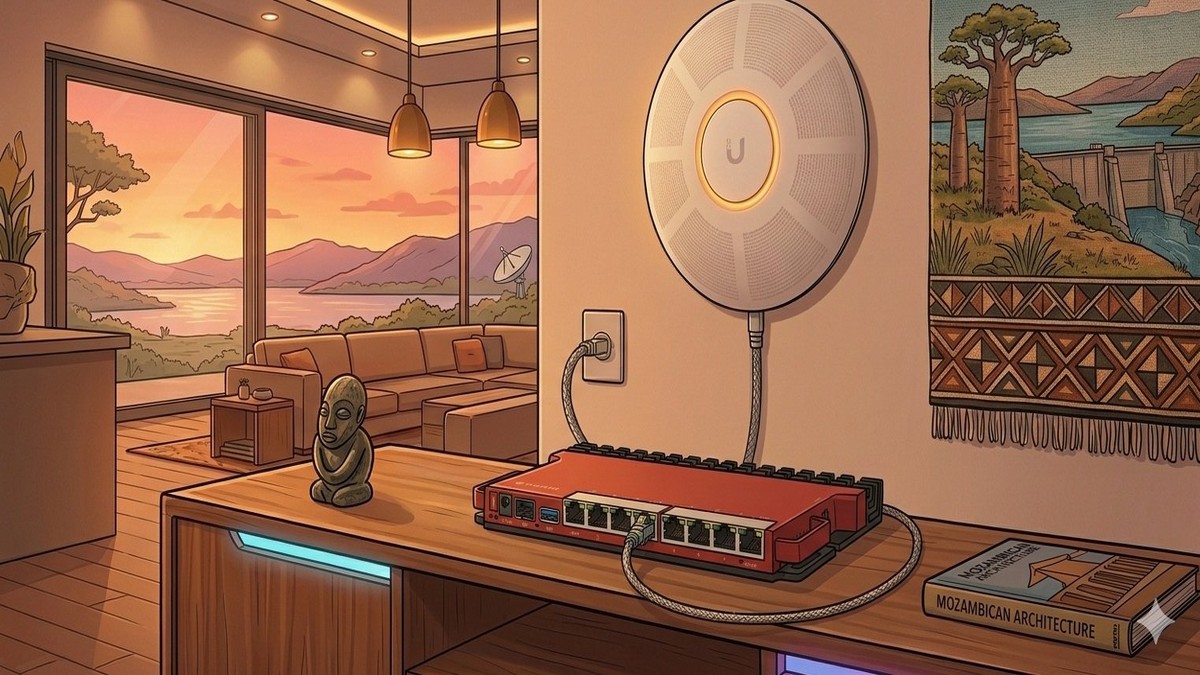
For the core router and firewall I chose a MikroTik L009, a compact but capable device running RouterOS. MikroTik’s reputation in the prosumer and enterprise space is well earned — the firewall capabilities, routing flexibility, and VLAN support are genuinely enterprise-grade at a fraction of the cost of comparable Cisco or Juniper hardware. The learning curve is steep, but the control it gives you is unmatched.
For wireless, I deployed a UniFi U6 LR access point managed by a self-hosted UniFi controller running on a Raspberry Pi 3B. The UniFi ecosystem provides excellent visibility into wireless clients, clean SSID-to-VLAN mapping, and a polished management interface. Running the controller locally rather than in the cloud keeps everything under my control.
The Pi3 runs the controller and its database in Docker containers — a deliberate choice to keep the stack portable and easy to back up.
Eliminating Cloud Dependencies
One of my core requirements for this rebuild was minimising cloud dependencies for critical infrastructure. A network controller that requires internet connectivity to function is a liability — if your WAN goes down, you lose the ability to manage your own network.
The UniFi controller was initially configured to use a cloud-hosted database. I migrated this to a local MongoDB instance running on the same Pi3. The difference was immediately noticeable — the controller interface became significantly faster, and more importantly, it now operates completely independently of any external service.
The same philosophy applies to DNS. Internal name resolution runs on the MikroTik itself, with a full set of local hostnames for every infrastructure device. No dependency on external resolvers for internal traffic.
Guest Network Authentication
Rather than a simple pre-shared key for guests, I implemented WPA2/WPA3 Enterprise authentication using PEAP/MSCHAPv2. The RADIUS server runs natively on the MikroTik using its built-in User Manager package.
What this gives me:
- Per-user credentials — each guest gets their own username and password rather than sharing a network key
- Full session logging — I can see exactly who connected, when, for how long, and how much data they used
- Instant revocation — disabling a user account immediately prevents reconnection
- Cross-platform compatibility — PEAP/MSCHAPv2 works natively on iOS, Android, macOS, and Windows without any additional configuration
The certificates are self-signed and managed locally. Guests encounter a one-time certificate trust prompt on first connection — a minor friction point that I consider an acceptable trade-off for proper authentication.
The Audio Network
The Hi-Fi segment required some careful thought. Roon — the music management and playback software I use — relies on mDNS for device discovery across the network. By design, mDNS doesn’t cross VLAN boundaries.
The solution was to use MikroTik’s native mDNS repeater to selectively bridge discovery traffic between the workspace and audio VLANs, while maintaining full traffic isolation between them. The result: music control from any device on the workspace network, with no other cross-zone visibility.
Roon’s remote access feature (Roon ARC) is configured for both IPv4 and IPv6, giving me full-quality playback anywhere in the world without any third-party relay service.
IPv6
The network runs full dual-stack IPv6 using a delegated prefix from my ISP. Each VLAN gets its own /64 subnet with SLAAC addressing. The IPv6 firewall mirrors the IPv4 policy — stateful inspection, default deny on unsolicited inbound, inter-VLAN isolation enforced at both protocol layers.
This matters more than people realise. A network with solid IPv4 security but no IPv6 firewall is not a secure network — it’s a network with a large unguarded door.
What I Learned
A few things worth noting for anyone considering a similar project:
MikroTik’s VLAN implementation rewards patience. The bridge-based VLAN filtering model is powerful but counterintuitive if you’re coming from a Cisco or consumer router background. Getting the port-to-VLAN mapping right, especially for trunk ports carrying multiple tagged VLANs, requires careful planning before touching anything.
Docker on a Pi3 is viable but needs tuning. Running a Java application and a database on 1GB of RAM requires careful heap and cache size configuration. Out of the box defaults will consume all available memory and spill into swap. With proper tuning, the system runs comfortably with headroom to spare.
mDNS across VLANs is a solved problem, but the solution isn’t obvious. There are multiple approaches — proxy ARP, dedicated mDNS reflectors, and native router support. The cleanest solution depends entirely on what your router supports. Test before assuming anything works.
Enterprise authentication on a home guest network is not overkill. The complexity of setting up RADIUS and issuing per-user credentials is genuinely low once the infrastructure is in place. The visibility and control it provides is worth it, especially if you work in security and should know better.
What’s Next
The network is stable and production-ready, but a home lab is never truly finished. On the roadmap:
A Proxmox-based home lab node to run virtual machines for testing — a proper environment for safely testing firewall changes, new services, and security research without touching production infrastructure.
A NAS replacement with proper Docker support and 10GbE connectivity, to finally retire a decade-old unit that has served its time.
Eventually, a WiFi 7 access point upgrade. The current hardware is WiFi 6 only, and while it performs well, the newer generation’s multi-link operation and 6 GHz support would be a meaningful improvement.
The rebuild took considerably longer than a weekend. It required planning, patience, more than a few late nights, and a genuine willingness to read documentation. But the result is a network I can be genuinely proud of — one that I’d be comfortable deploying in a professional context, running at home.
For anyone in IT considering the same: the tools to build a proper home network are more accessible and affordable than ever. You really don’t have an excuse.
Hardware Used
If you want to replicate this setup, here’s everything used in this build with links to purchase:
| Device | Role | Buy |
|---|---|---|
| MikroTik L009UiGS-2HaxD-IN | Core router & firewall | Amazon |
| Ubiquiti UniFi U6 LR | WiFi 6 access point | Amazon |
| Raspberry Pi 3 Model B+ | UniFi controller & Docker host | Amazon |
| Netgear ProSafe Plus GS105E | 5-port managed switch | Amazon |
Note: The MikroTik L009 is the indoor version with built-in WiFi. If you don’t need the wireless radio, the L009UiGS-RM rack-mount version is slightly cheaper. For the UniFi controller, any Raspberry Pi 3B or newer will work — or you can run it as a Docker container on any Linux machine.
Osvaldo de Sousa is a cybersecurity analyst based in Maputo, Mozambique. This post is part of an ongoing series on home infrastructure and security.